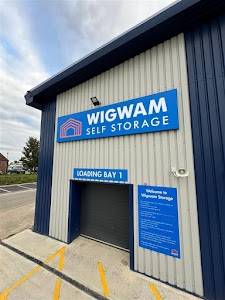
Picture moving day: hands full of boxes, standing at a gate, wondering if the code someone texted you three weeks ago will still work. That’s the moment this system is built to remove. By the time you arrive, the system already knows which unit is yours, so nothing at the gate or the door has to identify you manually.
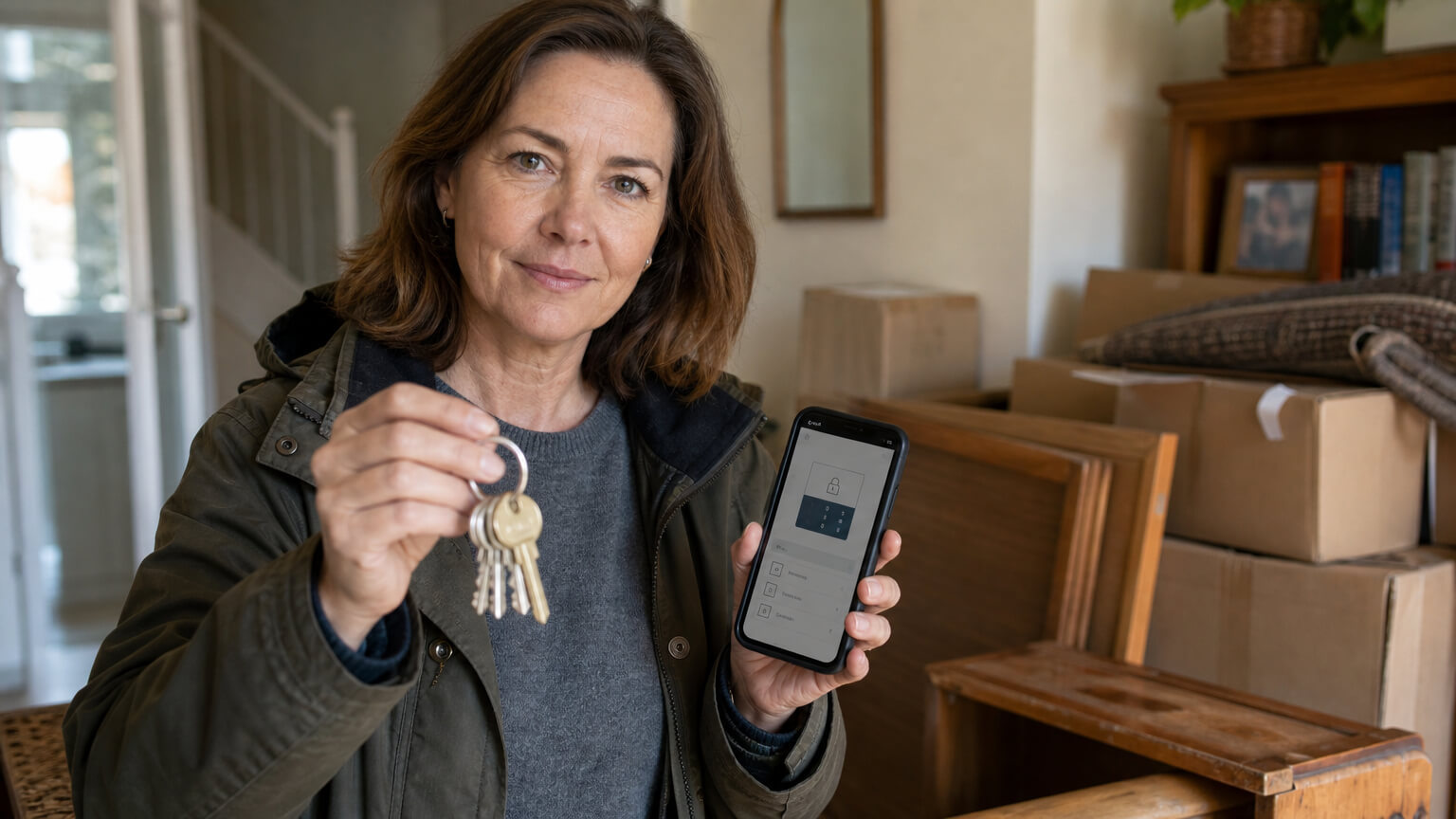
Got a smartphone and just booked? Your app is on the way, see below. No smartphone? Ask for a fob, it does the same job. Booked Chipping Norton? You’ll get a PIN instead, not the app.
What “Smart Entry” Actually Means at Wigwam
At most Wigwam sites, your phone is the key. A Smart Security App, set up automatically once you book online, unlocks the facility gate and your specific unit. At Wigwam Self Storage Chipping Norton, you’re given a security PIN instead of the app, and anyone without a smartphone at any location can ask for a fob. The mechanism adapts to the site and the customer, rather than being one generic keypad code everywhere.
What Happens After You Book
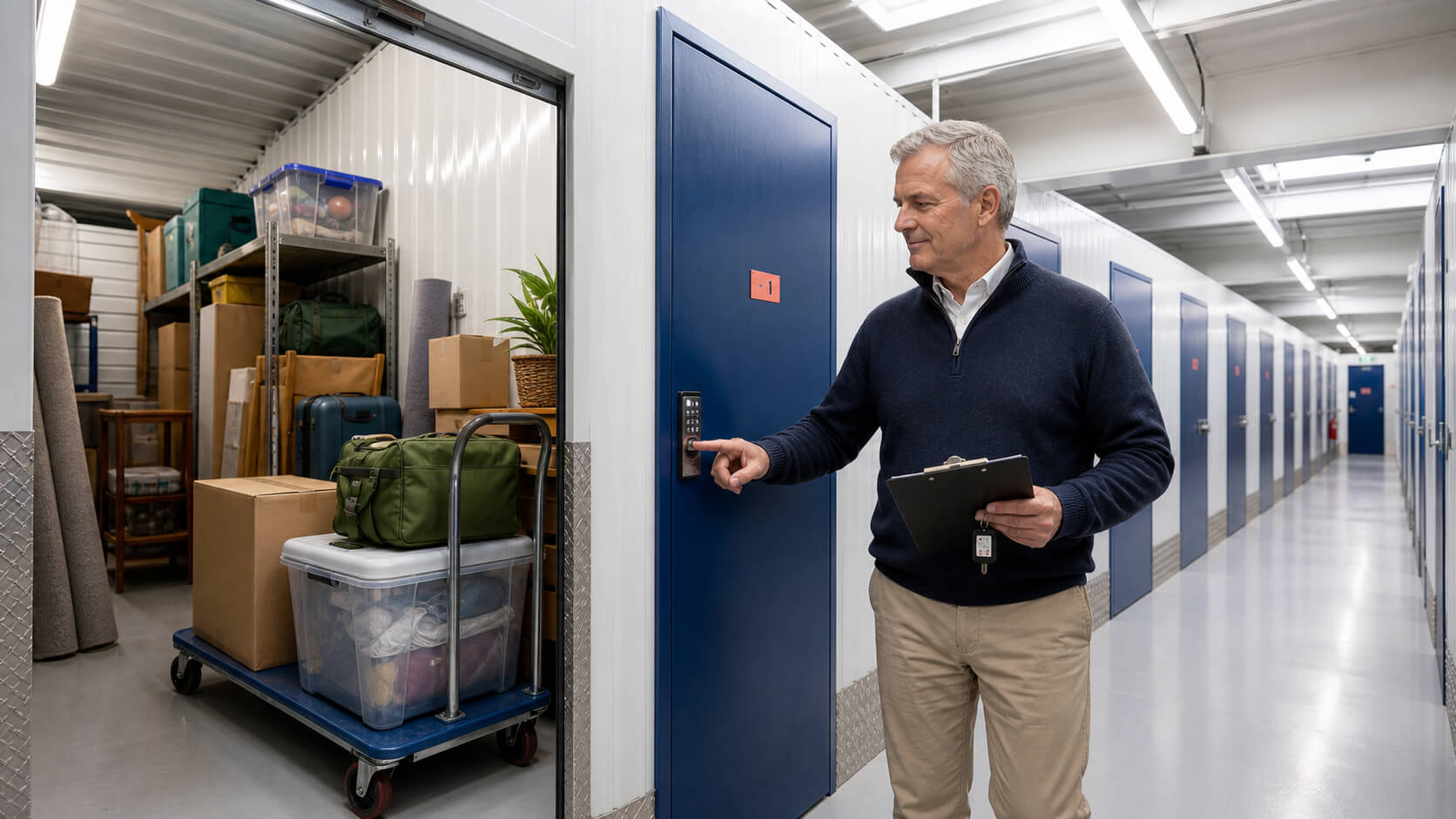
Here’s the sequence, in order, at most Wigwam locations.
Setting up before move-in day
Once you’ve booked online, the system already knows which unit is yours. Before your move-in date, you get a text with instructions to set up the Smart Security App on your phone.
At the gate, then at your unit
On the day, you walk up to the gate, open the app, and it unlocks the facility entrance. There’s no separate key to collect and no queuing for staff, since most sites don’t have anyone stationed there to let you in. You walk to your unit, and the same app unlocks your specific door, not a shared code that opens anyone else’s unit. It works the same way every time you come back, whether that’s the next day or three months later, there’s no code to forget or re-request, your phone is the constant.
How the alarm fits in
Your unit’s individual alarm, armed since you last left, disarms as you approach, set and unset by your phone the same way each time. When you leave, it re-arms behind you automatically.
At Chipping Norton, It Works a Little Differently

Wigwam Self Storage Chipping Norton is the one Wigwam site where entry doesn’t run through the app.
Why one location uses a PIN instead of the app
Instead of the Smart Security App, you’re given a security PIN that lets you through the doors. Same idea, no traditional key to lose or copy, just a different mechanism for this one site.
Your own padlock, and what stays the same
You bring your own padlock for the unit itself here, and the alarm is still set and unset in step with your entry, tied to your unique PIN the same way the app ties to your phone elsewhere.
If You Don’t Have a Smartphone

A fob is available on request for anyone without a smartphone, so the system still works without assuming everyone carries a compatible phone. It does the same job as the app: it gets you through the gate and into your unit, tied to your account. There’s no downside to asking for one, and no assumption that you’ll manage without.
How This Compares to a Shared Gate Code
Plenty of storage providers use one shared gate code for every customer at a site. Lose that single code, or share it, and every unit behind it is exposed to it. Wigwam’s approach ties access to you specifically, whether by app, PIN or fob, so it’s never one code doing double duty for a whole site’s worth of customers. It also means a former customer’s access doesn’t linger, once your account closes, your specific credential stops working, rather than a shared code that has to be manually changed and re-shared with everyone still using the site.
Once you’ve seen how it works, get a price for your nearest unit.
The Honest Limits: Access Hours and What the App Doesn’t Do
Access runs 6am to 10pm, seven days a week, regardless of entry method. The app, PIN or fob doesn’t grant 24-hour access, whatever the entry mechanism.
Access hours, whichever way you get in
Whether you’re using the app, a PIN at Chipping Norton, or a fob, the same 6am-10pm window applies. See the full FAQ for the complete detail.
If someone else needs to get in for you
Wigwam sites are unmanned outside limited office hours. If you’re expecting a delivery or need someone else to access your unit, someone from your own side needs to be there, staff won’t be on hand to receive it for you.
Why It Works This Way
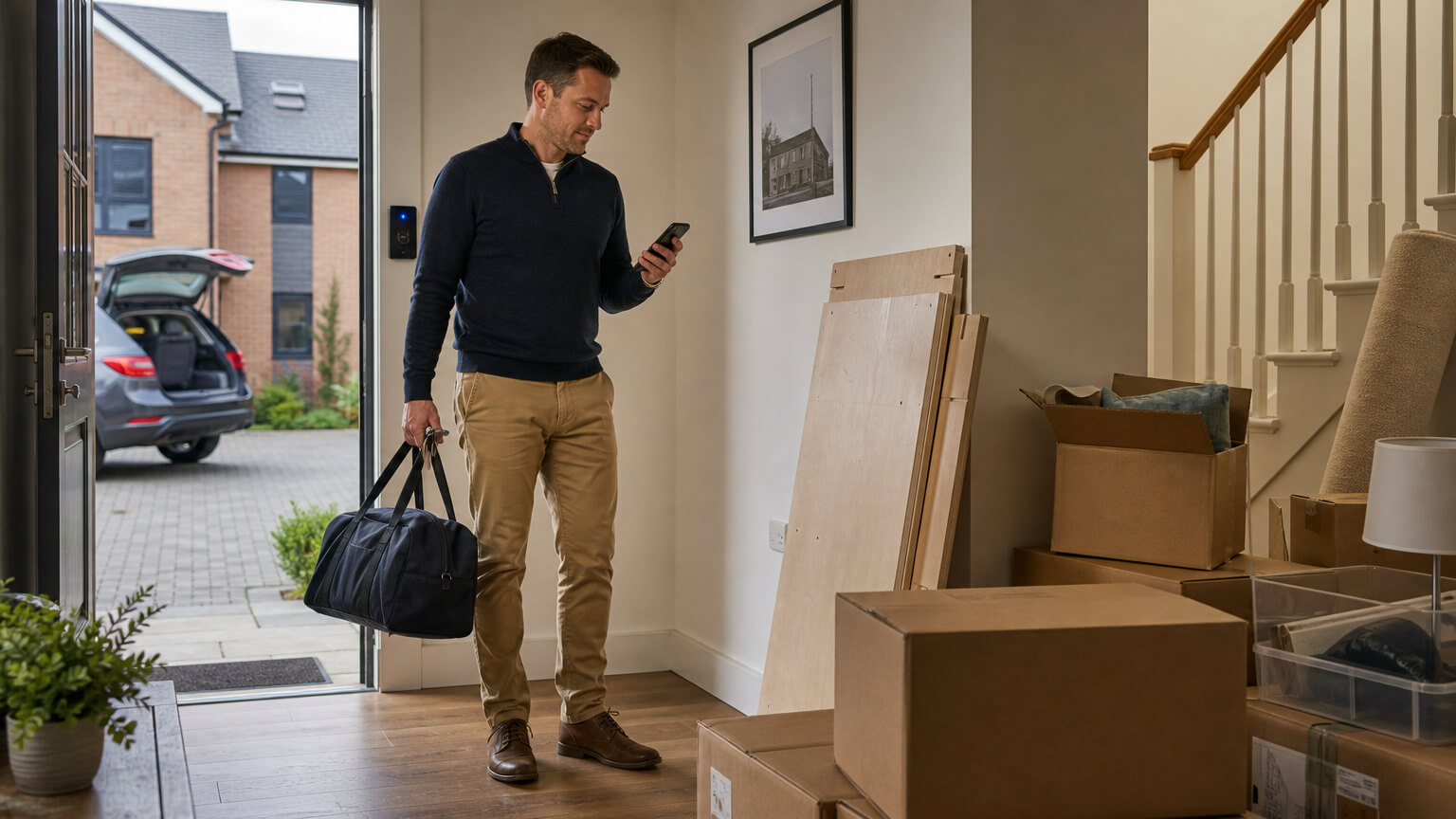
The system is built per-account and per-unit rather than one code for the whole site, because it already knows what’s yours the moment you book. That’s what removes the guesswork at the gate, not a vague promise of “smart technology.” The alarm tied to your phone, PIN or fob works the same way, it’s your entry that arms and disarms it, not a separate step you have to remember on top of getting through the door.
Getting Started
Once you book, the setup is automatic: a text before move-in, an app, PIN or fob ready for the day you arrive. From there it’s just a case of turning up and walking in.
Get a price and see what a unit near you looks like.
Frequently Asked Questions
Ask for a fob. It does the same job as the app, letting you through the gate and into your unit without needing a working phone.
Most locations do. Chipping Norton uses a security PIN instead.
No. Access runs 6am to 10pm, seven days a week, regardless of whether you’re using the app, a PIN or a fob.
You’ll get a text with setup instructions before your move-in date, so the app is ready before you turn up.